
Breakthrough T1D’s commitment to supporting the entire T1D community includes providing you with information and resources to help you navigate life with type 1 diabetes (T1D).
The data is conclusive: Continuous glucose monitors (CGMs) help millions of people better manage their T1D. However, we know that, at times, people in our community experience issues with their CGMs. This can include inaccurate readings, faulty sensors, customer service issues, lost time, and unexpected or high costs.
Breakthrough T1D created this guide to help you with sensor issues, from what to do if your symptoms and CGM reading do not match (check with a glucometer!) to how to get a sensor replacement as quickly as possible.
On This Page:
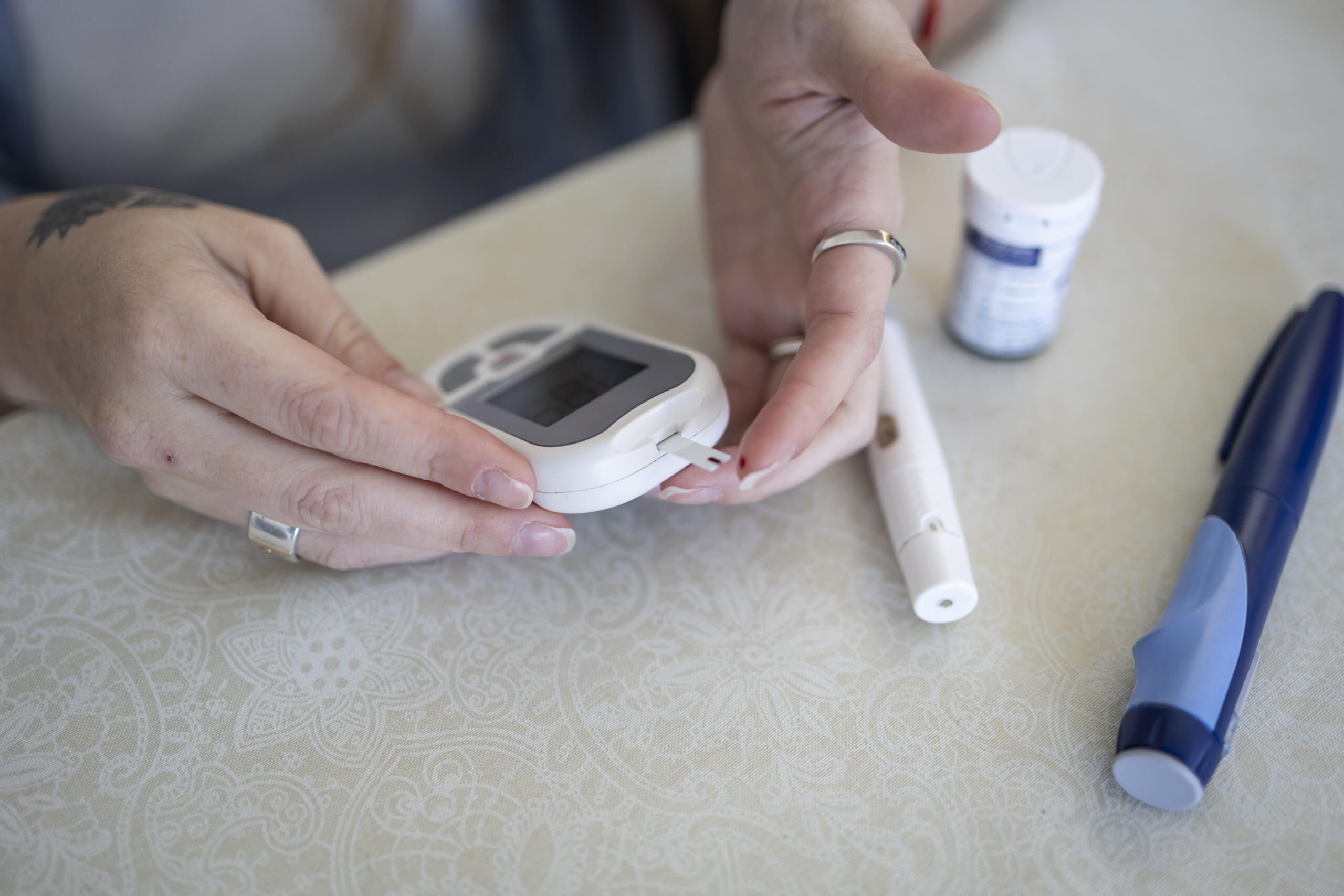
The most important thing to do if you are having an issue with your CGM, or if your symptoms do not match the reading on your CGM, is to always follow the manufacturer’s guidelines and check your blood sugar with a glucometer.
Getting a replacement sensor
If you are having CGM-related issues, please see each company’s customer support contact information and replacement policies below:
Abbott
February 6. 2026 Statement by Abbott
“Abbott initiated a medical device correction on Nov. 24, 2025, for certain FreeStyle Libre 3 and FreeStyle Libre 3 Plus sensors in the U.S. after internal testing determined that some of these sensors may provide incorrect low glucose readings. We immediately contacted customers to make them aware and provide support.
The U.S. Food and Drug Administration issued an early alert on Dec. 2 and classified this as a Class I recall on Jan. 14, 2026.
People can visit www.FreeStyleCheck.com to check if their sensors are potentially affected and request a replacement. No other Libre products are impacted.
Abbott has identified and resolved the cause of the issue, which relates to one production line among several that make Libre 3 and Libre 3 Plus sensors. The company continues to produce Libre 3 and Libre 3 Plus sensors to fulfil replacement and new orders and does not expect significant supply disruptions.”
Sensor replacement and troubleshooting information from Abbott:
“Abbott offers a generous, no-charge warranty replacement program for its FreeStyle Libre CGMs, which can be mailed directly to you or picked up at a retail pharmacy. Abbott’s U.S. customer care team is available by chat 24/7 or to speak over the phone 7 days a week from 8 a.m. to 8 p.m., excluding holidays. For the quickest response, you can also use the online sensor support form.”
Ways to get a FreeStyle Libre sensor replaced:
- Call (Toll-Free): 1 (855) 632-8658
- Available 7 days a week from 8 a.m. to 8 p.m. ET, excluding holidays
- Chat online
- Available 24/7, excluding holidays
- Use online sensor support form
- Available 24/7
- Any calls made to Abbott’s pump partners are supported by Abbott agents 24/7, every day including holidays
Support resources can also be accessed directly through the latest Libre App.1
- Click on the Profile icon on the bottom navigation bar
- Click “Help”
- Scroll to the Support section and click “Customer Service”
- Click “Start a sensor support request”
- If your sensor is covered under Abbott’s warranty replacement policy, you can choose to receive:
- Free shipment to your location, or
- An electronic voucher to redeem at your pharmacy for a free replacement (only available if you use a retail pharmacy to pick up your sensors)2
Additional Resources
- Access answers to frequently asked questions and Libre support guides here.
1. The FreeStyle Libre systems apps are only compatible with certain mobile devices and operating systems. Please check the Support section of Abbott’s website for more information about device compatibility before using the apps. Use of the FreeStyle Libre systems apps may require registration with LibreView.
2. Participating pharmacies are subject to change without notice. Product availability may vary by retailer.
Dexcom
Statement by Dexcom:
“Dexcom provides sensor replacements for confirmed product failures. These replacements are shipped directly from Dexcom and can be expedited if customers need the product urgently. For customers who obtain their Dexcom supplies from a pharmacy, a voucher may be issued for same day replacement pickup at their local pharmacy. Dexcom customer support is here: https://www.dexcom.com/support.
If you need immediate assistance, call 1 (844) 607-8398 to speak with a tech support agent. They are available 24/7.”
Additional links:
- Phone: 1 (888) 738-3646
- Request a replacement sensor
- Virtual education: Dexcom CARE – Get started with your Dexcom CGM | Dexcom
- Patient assistance program: Dexcom PAP – Welcome to the Dexcom Patient Assistance Program
Medtronic
- Phone: 1 (800) 646-4633, menu option 1
- Customer support
- Request a replacement sensor
Senseonics
- Phone: 1(844) 736-7348
- Customer support
What to do if you run out of sensors
Replacement sensors:
- Contact the manufacturer for a replacement and in an emergency, your diabetes care team may have samples on hand that they can share with you.
Have a backup plan:
- You should always have a blood glucose meter and non-expired blood glucose test strips on hand as a backup.
- If your symptoms don’t match the reading on the sensor, double-check using a blood glucose meter, as is consistent with all manufacturer’s instructions.
- Contact your diabetes care team or the manufacturer’s customer support team for advice if meter and CGM values differ by more than 20%.
- When using a blood glucose meter, be sure to wash your hands first and use non-expired test strips.
Cost
- Explore the Diabetes Technology Affordability Tool from ADCES.
- Children in the state of Florida can contact Home – Help A Diabetic Child for emergency assistance with supplies.
Clinic-based education
- You should receive education on how to use and troubleshoot your CGM from your diabetes care team. Often, this education can be provided during your clinic visit or as a separate education visit.
Strategies to improve accuracy
- Hydrate. Sensor values may be off when you are dehydrated.
- For Dexcom only, calibrate within the first 24 hours.
- Note: Libre devices cannot be calibrated.
- Be vigilant! Remember, if symptoms do not match the number on the sensor, use a blood glucose meter.
- If the sensor and meter continue to report values with a difference of more than 20%, change the sensor and request a replacement.
- Putting a sensor on is relatively easy, but using it effectively requires education. Obtain education from your diabetes care team.
Register issues
- These sensors are all regulated by the U.S. Food and Drug Administration (FDA). If you have product concerns that are unable to be resolved through each company’s customer service line, you can report those concerns to the FDA at https://www.fda.gov/safety/report-problem-fda.
Find your chapter
- You can always contact your local Breakthrough T1D chapter for local support and guidance. Find your chapter.
